How to create product bundles on Shopify (and price them so you still make money)
How to create product bundles on Shopify: pick the right type, price it so you keep your margin, show it where shoppers decide, and set it up step by step.
A bundle makes money when it's something the shopper already wanted more of, priced so the saving is obvious and your margin survives, and shown right where they decide to buy. Get those three right and a bundle is the easiest way to raise your average order value. Get one wrong and you're just giving away margin.
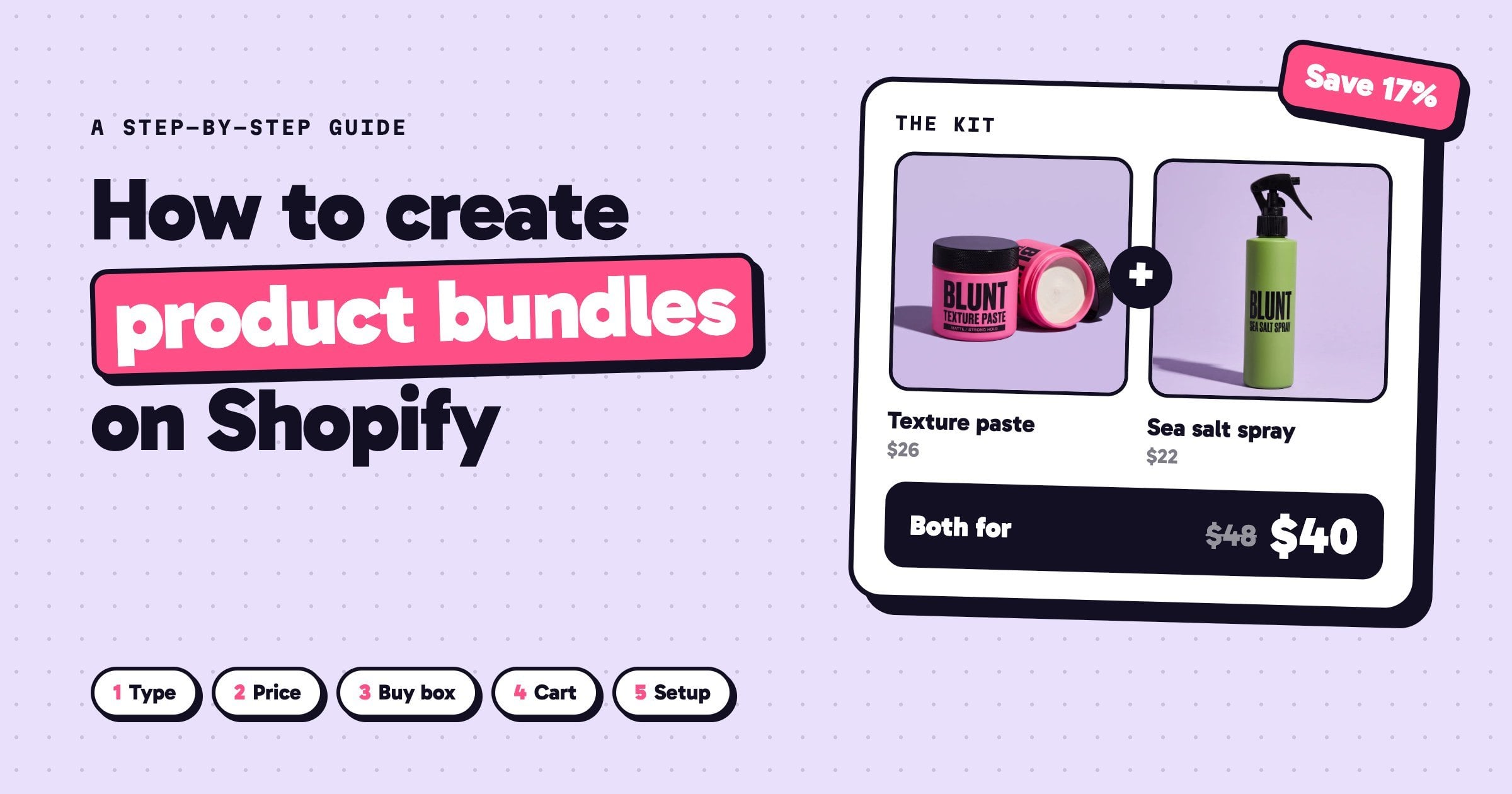
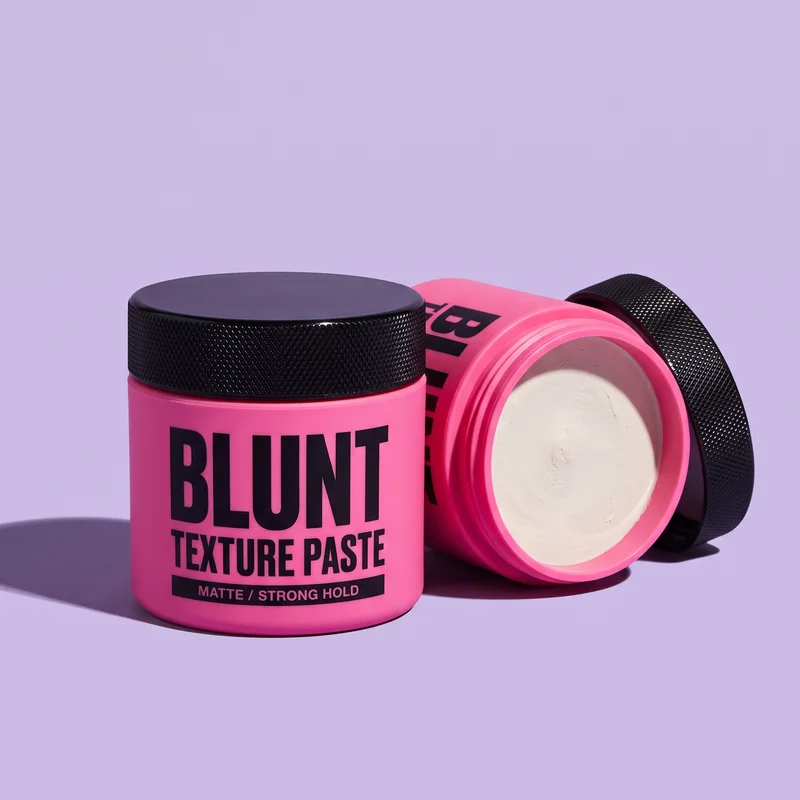
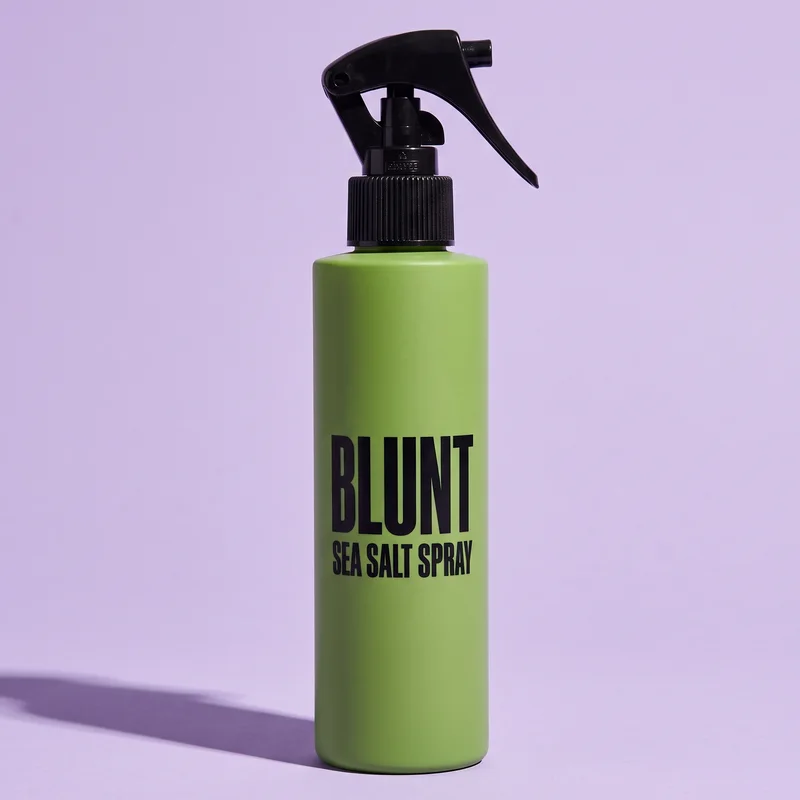
This guide covers every decision, with one example the whole way through: Blunt, a small hair brand selling a texture paste ($26), a sea salt spray ($22) and a comb and shears set ($34).
Step 1: Choose the right type of Shopify bundle
There are four kinds of bundle worth knowing, and each one suits a different kind of product:
 ×3
×3
Quantity break
For things people run out of.
$78$66 for 3 tubs
 +
+
Fixed kit
For things used together.
$48$40 paste + spray
?
Mix and match
For scents, flavours or sizes.
Any 3 for $66
Set up with: a bundle app
 FREE
FREE
Free gift
For lifting the order size.
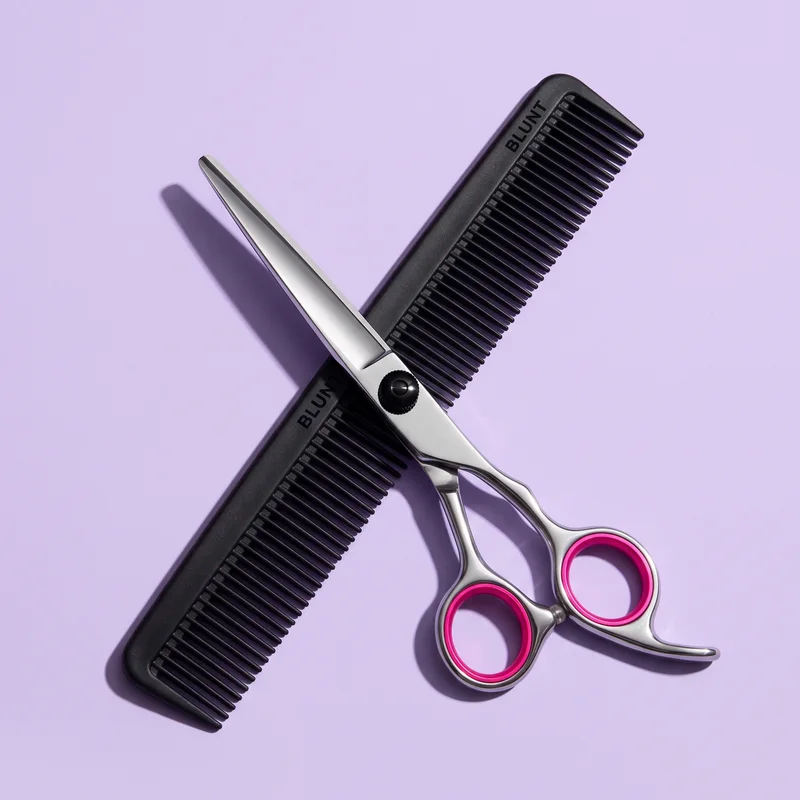
Spend $75, get the comb
Set up with: a Buy X get Y discountThe rule behind all four: bundle what people already buy together. Before inventing a bundle, look at your orders. Export them from Shopify and ask Claude or ChatGPT which products most often appear in the same order, and how often people come back for the same item. If paste buyers return every six weeks, a 3-tub quantity break is the obvious first bundle. If paste and spray keep turning up together, that's your kit.
Start with one bundle, not four. A single well-placed offer is easier to judge, and a product page with five offers makes the shopper do sums instead of buying.
Step 2: Price the bundle so you still make money
A bundle only has to beat the sale it replaces, which is usually one item. It doesn't have to beat full price for everything inside it: almost nobody was going to buy three tubs at full price. Price it in four moves.
Start at 10% off for two items, 15% for three
That's big enough to notice and small enough to keep your margin. Go deeper only if the next sum says you can.
Check it with one sum
Work out what you keep on one item and on the bundle - the price, minus product cost, shipping and card fees - and compare the two:
If the bundle doesn't keep clearly more than one item does, the discount is too deep. If the bundle ships free, count all of its shipping as your cost.
Round the price, and show what it replaces
$66, not $66.30, beside the full price struck through: $78 $66. Without the struck price, $66 is just a number.
Show a percentage under $100, an amount over $100
This is Jonah Berger's "rule of 100": each form reads bigger in its own range.
3 tubs$66
Barber pack6 tubs and 2 sprays$180Step 3: Put the bundle in the buy box
A bundle on its own "Bundles" page is a bundle almost nobody sees. It belongs in the buy box, as a choice beside the single item, where the shopper is already deciding how much to buy. Here's how that looks on Blunt's product page:
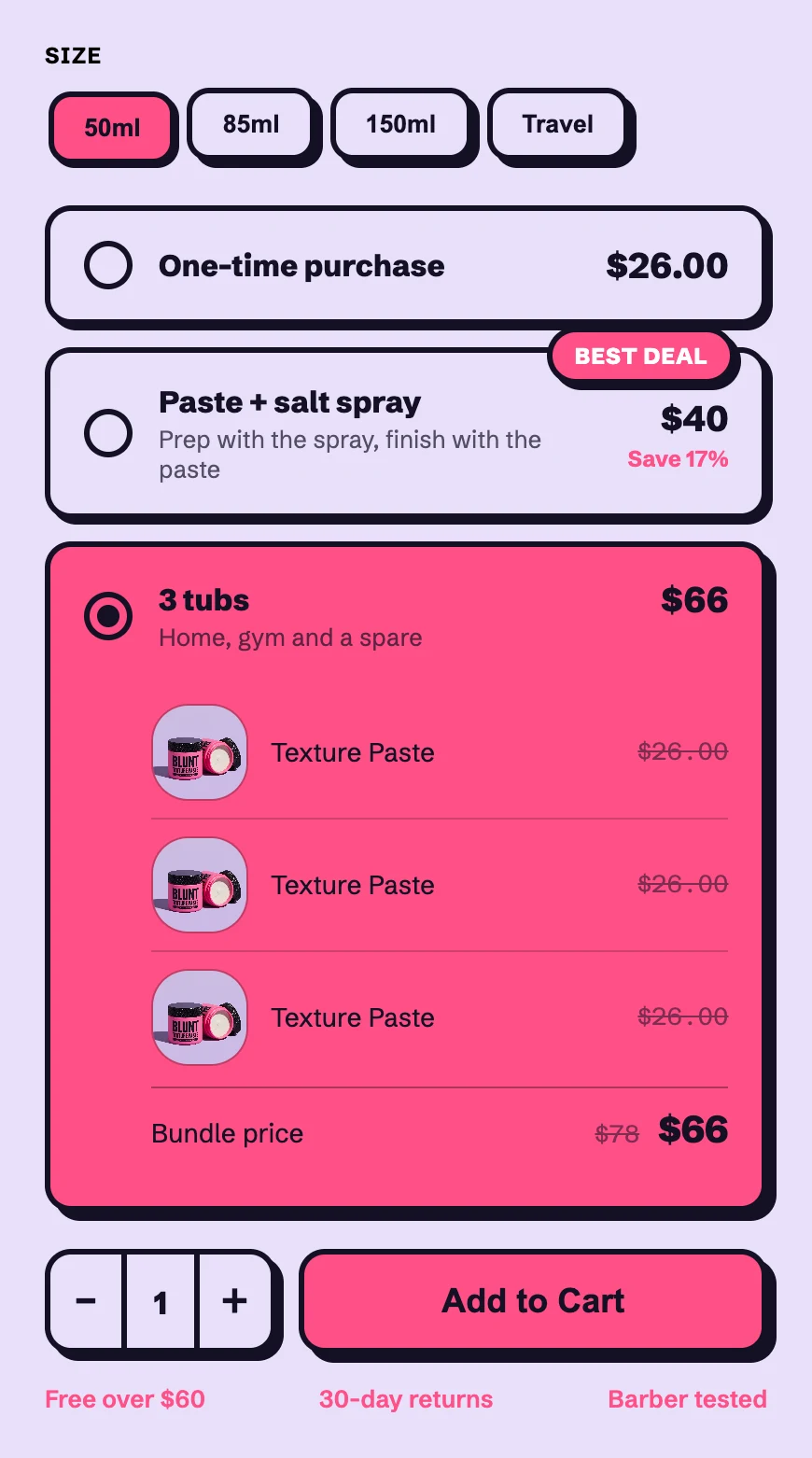
- The single item stays the default. Pre-selecting the bundle feels like a trick, and shoppers notice. Let it win on its own.
- One badge, on one offer. "Best deal" on every row means nothing.
- Show what's inside. Listing the parts at full price is what makes the saving believable.
Step 4: Offer the bundle again in the cart
The cart is the second place a bundle works, and it works differently: the shopper has already chosen, so the offer should build on what's in the bag, not ask them to start again. Cart offers come in two shapes. Here is each one in Blunt's cart, with one tub in the bag:
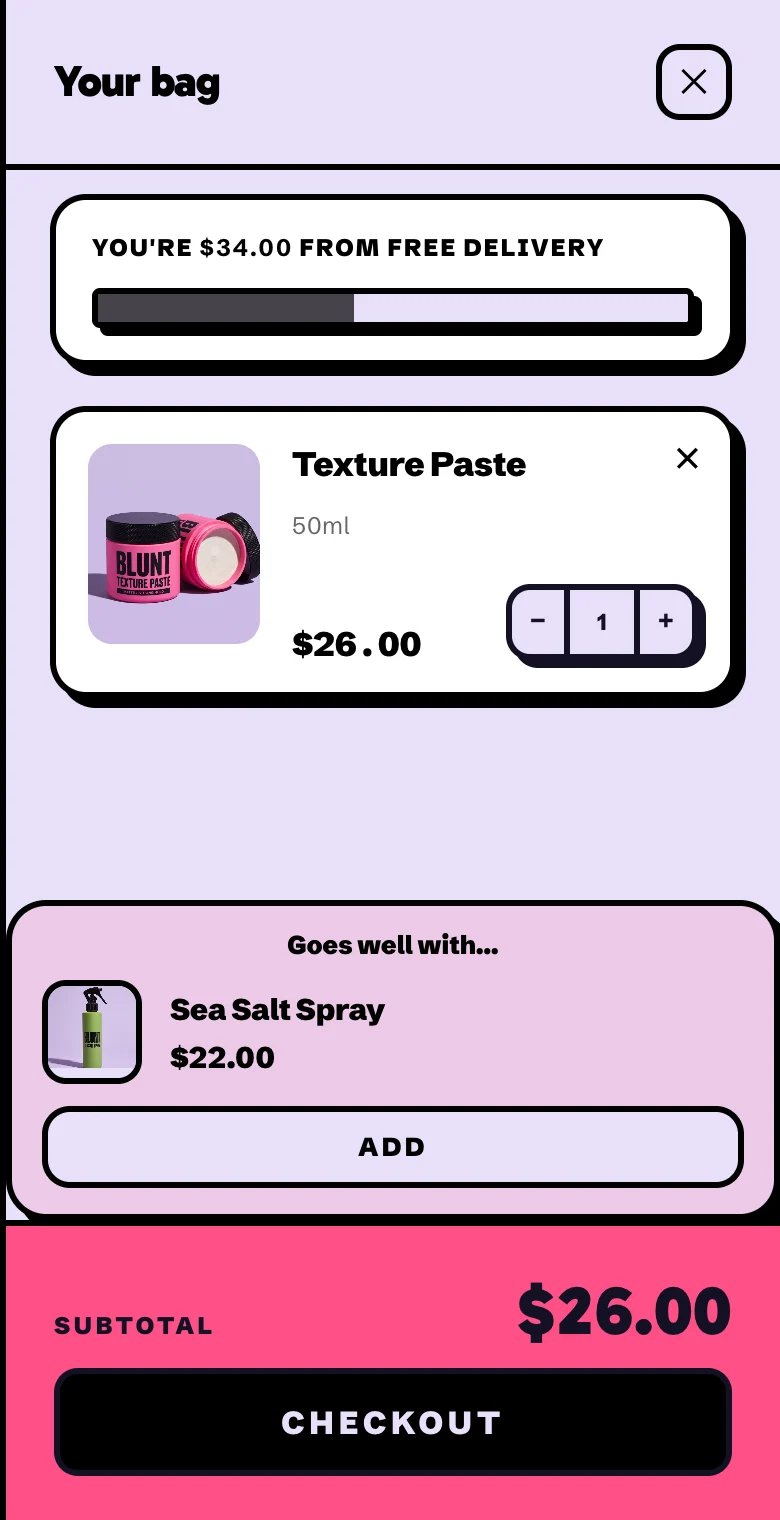
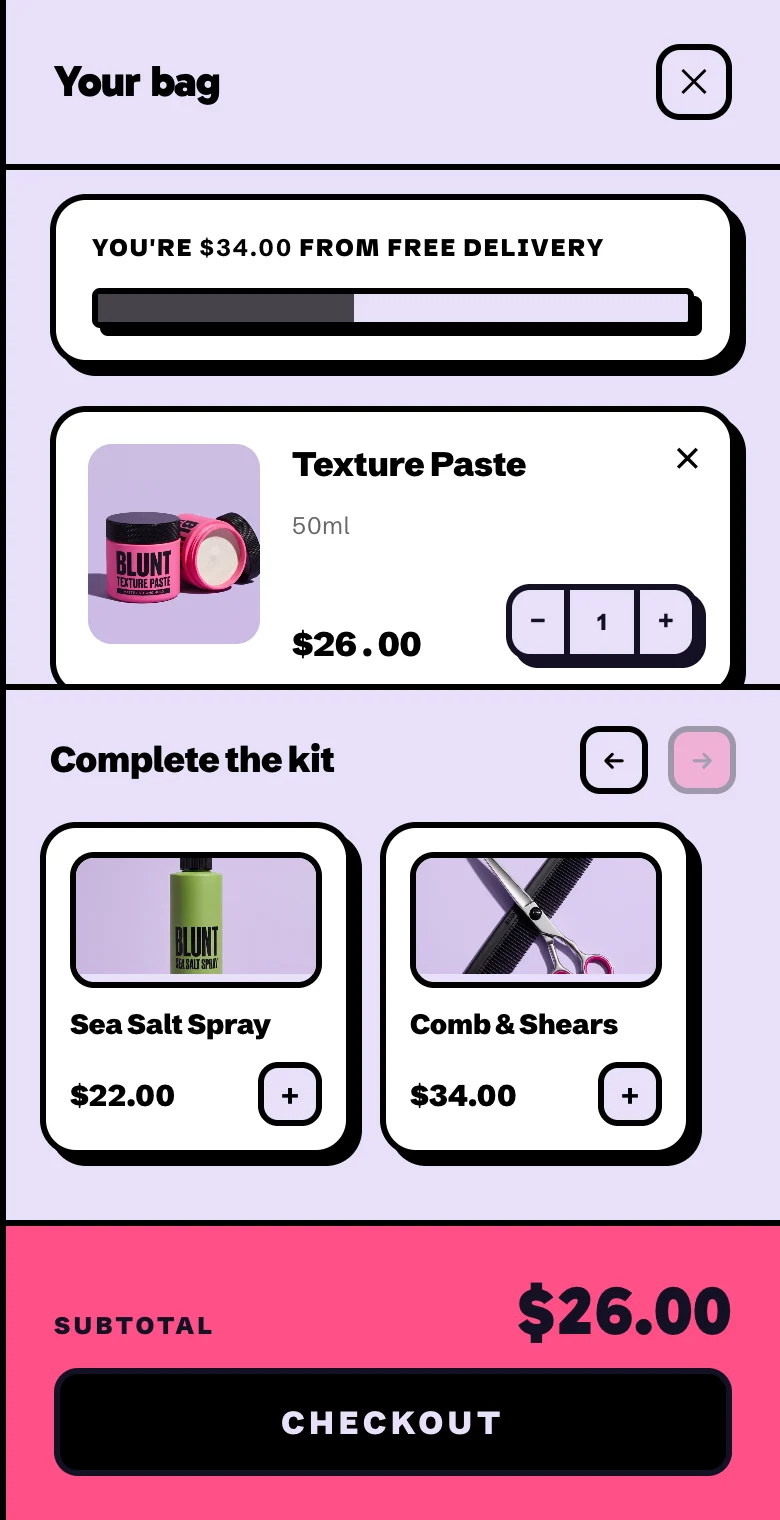
The cart drawer a Camel store publishes, rendered from its Liquid theme, one tub in the bag.
- Goes well with: the one item that completes the kit. The shopper has the paste, so the box offers the spray. Use it when you have a clear partner product.
- Shelf: two or three add-ons. For shops with a few accessories. Stop at three; a longer row is a second shop.
- Give the same saving as the buy box. Set an automatic Buy X get Y discount in Shopify (buy the paste, get the spray $8 off) and the pair costs the $40 kit price whichever way the shopper builds it. Nobody who skipped the kit on the product page pays more for it in the cart.
- Pick one, and make it one tap. Two offer blocks compete with each other, and a trip back to a product page loses the sale.
- Set free shipping just under your best bundle. Blunt's is $60: one tub ($26) falls short, and the 3-tub bundle ($66) clears it. The bar at the top of the cart then does the persuading for you.
Step 5: Set up the bundle in Shopify
Each type uses a different tool:
- Fixed kits: the Shopify Bundles app. It's free and made by Shopify. You pick the products, set the price, and the kit becomes its own product. Shopify tracks its stock from the parts: the kit's stock is the lowest of its components, and refunds and reports still work per item. One limit: a Shopify bundle can't be sold with a subscription, so subscribe-and-save and a kit can't be the same product.
- Quantity breaks: an automatic discount. In Discounts, create an Amount off products discount, set it to apply automatically, choose the product and set a minimum quantity of 3. For a ladder (2 for 10%, 3 for 15%), make one discount per step and test the cart at each quantity.
- Mix and match: a bundle app. Letting shoppers pick their own three needs an app, because the bundle is built in the cart from whatever they chose.
- **A free gift: a Buy X get Y discount.** Set a minimum spend and make the gift 100% off. Then add the gift to a test cart yourself and check it comes out free.
Whatever you set up, place a test order before any customer does: add the bundle, check the saving shows in the cart and at checkout, and check the stock of each part goes down.
Then check it's paying off
Give it two weeks, then compare with the two weeks before:
- Average order value should go up.
- Profit per order should go up too. If the order value rose but the profit didn't, the discount is too deep.
- How many orders include the bundle. If almost none do, it's in the wrong place or it's the wrong bundle, not too cheap.
Change one thing at a time - the discount, the badge, which bundle - so you know what worked. For reading the numbers, the funnel section of how to build a Shopify store with AI walks through it step by step.
Or: let your store builder handle the bundles
Setting all of this up by hand usually means a bundle app, a discount app and a cart app, each with its own look.
In Camel, bundles, quantity breaks and a free gift are part of the product page, and the cart carries a free-shipping bar and a bundle offer like the one above. All of it is styled by your store's design style, like everything else. A Camel bundle is a real Shopify fixed bundle, the same thing Shopify's own Bundles app creates, so it works with Shopify's cart, checkout and stock. You create the discounts in Shopify, and Camel shows them where they sell. You can change the offers after the store is live without publishing it again.
Camel is in pre-launch. Join the waitlist and you'll get an invite on launch day, with a store built from a product of your choice.