Why shoppers add to cart but don't check out (and how to fix it)
Why Shopify shoppers add to cart and leave: find your leak against real benchmarks, keep cart upsells simple and priced, and match each offer to the order.
Shoppers add to cart and then leave mostly because of the price, not the product. Across 50 studies, Baymard Institute puts the average cart abandonment rate at about 70%, and when it asked shoppers why, the top answer by far was extra costs: 40% left because shipping, tax or fees were too high. Some abandonment is normal (42% of US shoppers have left a cart because they were only looking), so the job isn't to reach zero. It's to find the step where your store loses more than an average store does, and fix that one.
This guide does that in order: measure the leak against real benchmarks, keep the cart's upsells simple with every price in plain sight, and match each offer to what the shopper just bought.
Our example is Puffcup, a $36 mini humidifier in three colors, with delivery at $6.95 and free over $60.
Step 1: Find your leak, and compare it with the average store
In Shopify, go to Analytics → Reports and open Conversion rate breakdown (under Behavior). It counts sessions, then the sessions that added to cart, reached checkout and completed checkout. Divide each step by the one before it, and compare the three rates with the average Shopify store:
- Add to cart: 4.6% of sessions is average, 7.5% puts you in the top 20% (Littledata, 2,800 Shopify stores). Below average, the problem is the product page, not the cart.
- Cart to checkout: roughly half. Dynamic Yield measures 77.55% of carts abandoned, and Littledata finds 45% of checkouts completed; put together, about half of carts reach checkout. Well below half, the problem is the cart and what it did or didn't tell them.
- Checkout to order: 45% is average, 59% puts you in the top 20%. Below average, look at the checkout: delivery price, payment methods, forced sign-in.
- Compare each device with its own average. Phones always lose more: Dynamic Yield's abandonment is 79.84% on mobile against 69.48% on desktop. A phone rate below your desktop rate is normal; one far below the mobile average isn't.
- Read a month, not a day. Under a hundred carts, the rates swing too much to mean anything.
Puffcup's product page is doing its job (6.0% add to cart) and so is the checkout (54% complete). The leak is the cart: only 30% of carts reach checkout. The rest of this guide is for that.
Step 2: Keep cart upsells simple, and every price in plain sight
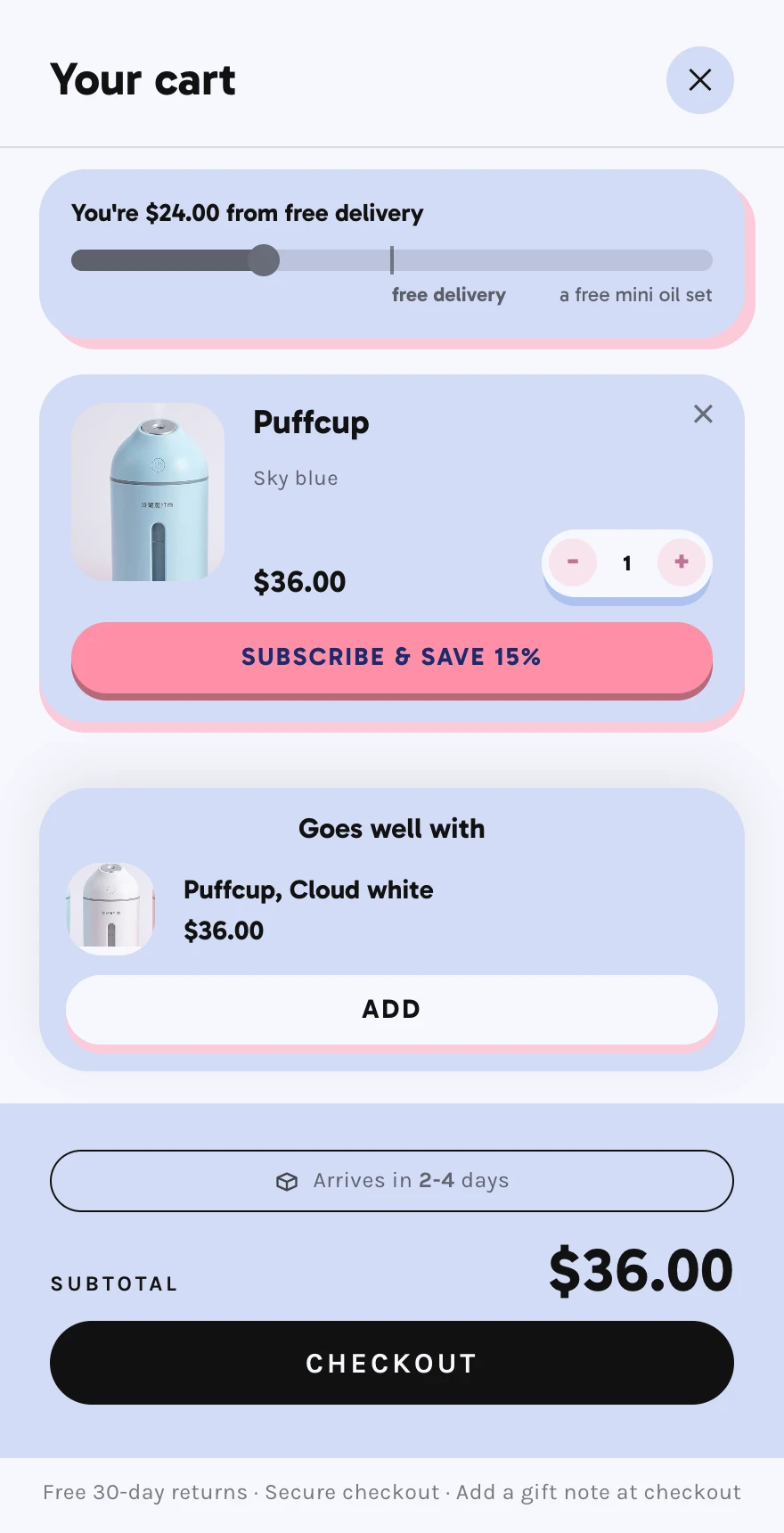
The cart is where a shopper checks the total one last time, and cost is the top reason they leave (40%). Every offer in the cart should make that total clearer, not muddier. Here are five of Puffcup's carts: two that do it, three that don't.
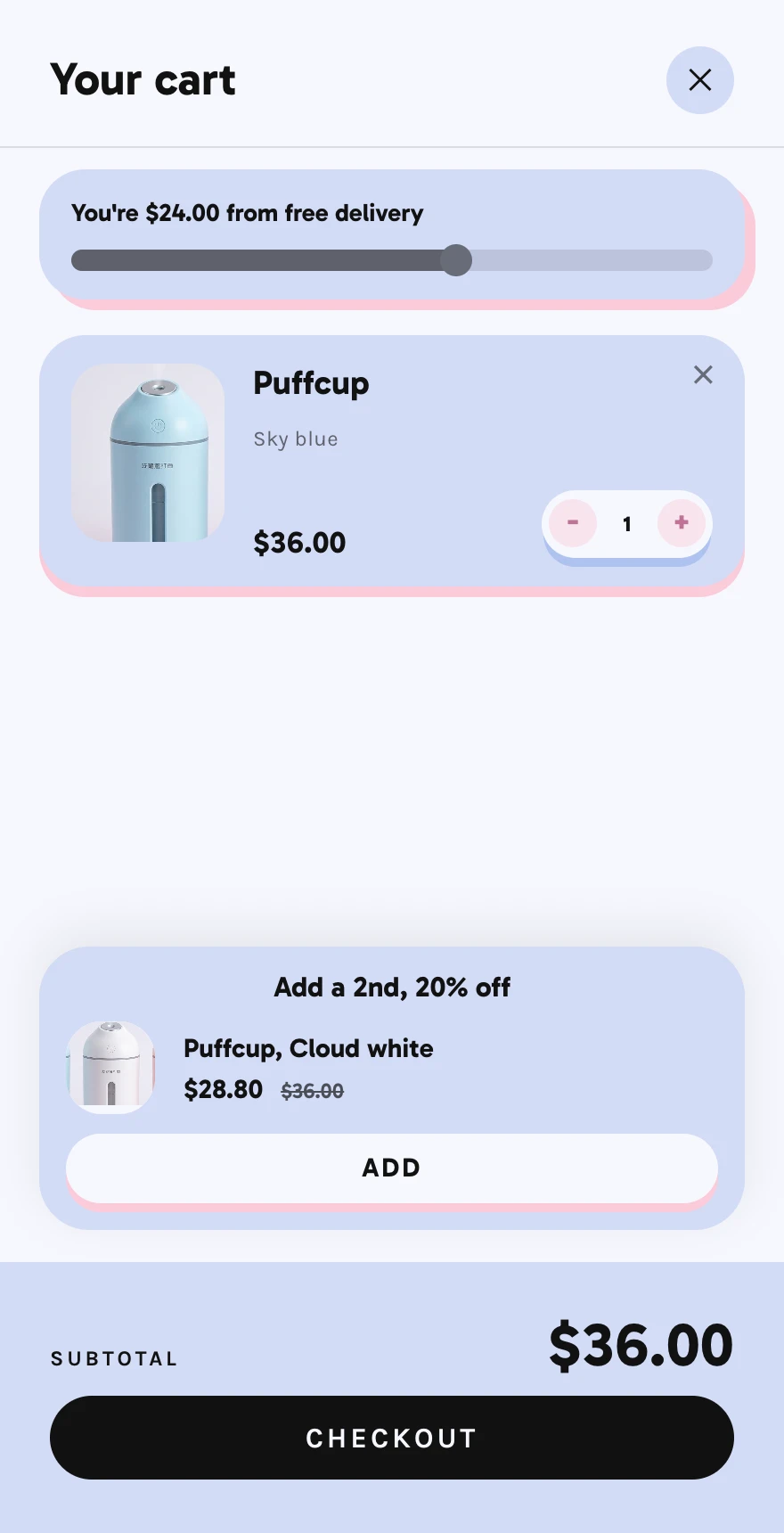
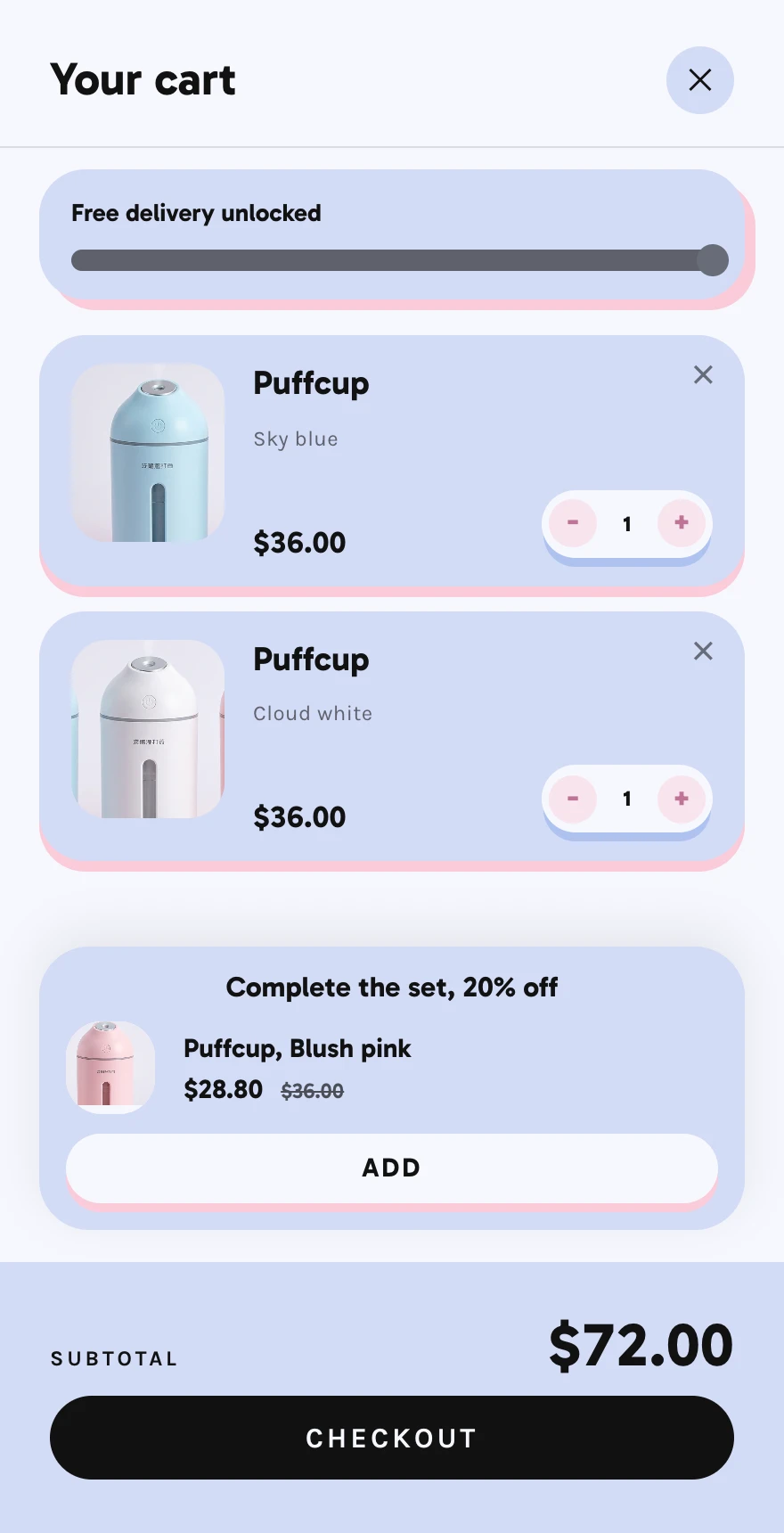
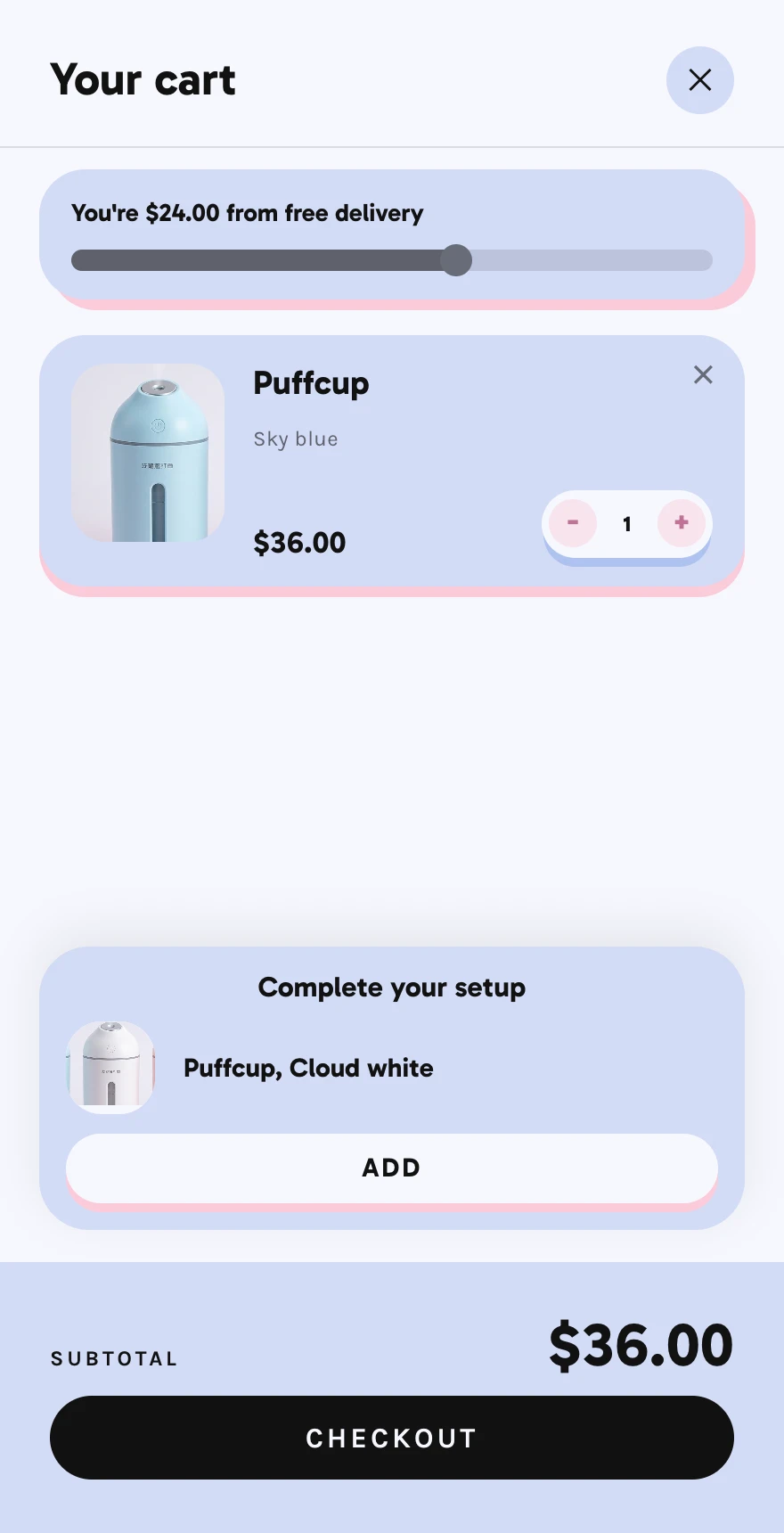
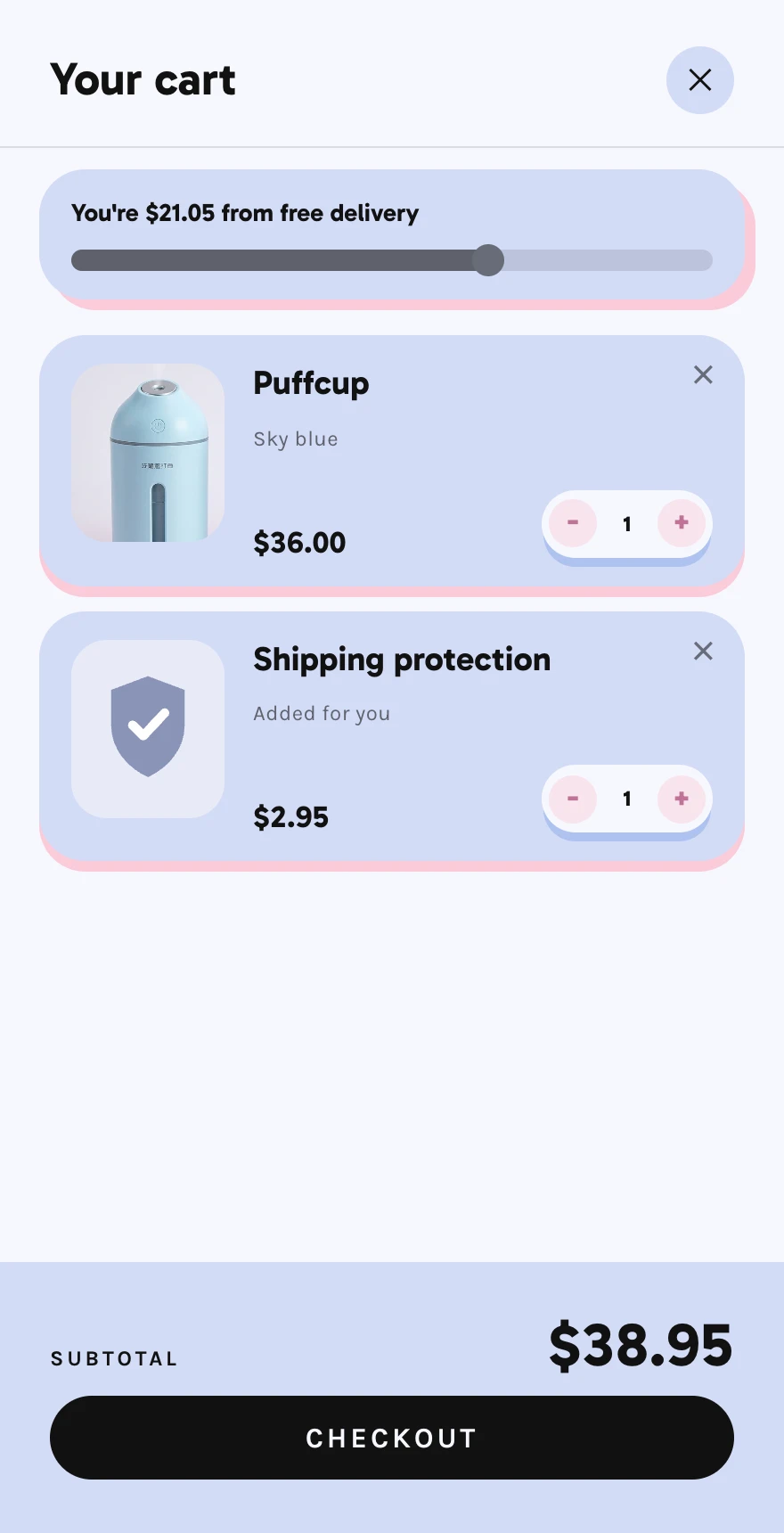
- One goal, and one offer that reaches it. The free-delivery bar turns the 40% reason into something to reach: "You're $24.00 from free delivery". Then offer the thing that gets there. A second cup at 20% off is $28.80 more, the order comes to $64.80, and delivery is free.
- Put a price on every offer, with the one it replaces: $28.80, next to a struck-through $36. "Complete your setup" with an Add button and no price asks the shopper to guess, and 12% of Baymard's respondents left because they couldn't see or work out the total.
- Nothing goes in the cart without a tap. Shipping protection, a paid gift or a warranty that adds itself is the same surprise as a delivery charge. If you use a protection app, check whether it's switched on by default.
- Two offers at most, below what they chose. A shelf of three and a pairing push the shopper's own product out of view, and a cart they can't read is a cart they close.
- Say your delivery rates yourself. Shopify only works out delivery at checkout, because it needs the address, so the cart can't show the exact fee. You know your rates, though: "Delivery $6.95, free over $60" under the checkout button, and beside the price on the product page. If they vary by zone, "From $4.95".
- Check the math before you discount. Say a cup costs Puffcup $14 and each delivery costs $7. One cup, with the shopper paying $6.95 delivery, keeps $42.95 − $14 − $7 = $21.95. Two cups at $64.80 with free delivery keep $64.80 − $28 − $7 = $29.80. The offer pays when it moves shoppers from one cup to two; if most already buy two, it's just a discount. Our bundles guide covers which offers to pick.
Step 3: Know when to upsell what
The same offer can help one shopper and put off the next. What fits depends on what they just added: how much of it, and who it's for. Someone who has just bought 4kg of protein powder has stocked up, and another tub at 10% off tells them nobody looked at their order. Creatine is new, and goes with it.
- Stocked up: offer what goes with it, not more of it. A big quantity or a bundle means they've decided how much they want. Cross-sell something new and related.
- Trying it: offer a small second step. A first order of one is a test. A second for another room, or a small add-on, fits; a year's subscription asks for trust they haven't given yet.
- Buying a gift: offer the finishing touch. Gift wrap and a note, not a second one for themselves.
- Never offer what's already in the cart. A shelf that suggests the exact product in the bag reads as a machine that isn't paying attention.
- Set it per product, not store-wide. Shopify's free Search & Discovery app lets you choose the complementary products for each product, so the protein offers creatine and the humidifier offers a second cup, instead of one offer for everything.
Step 4: Other upsells worth a place
Beyond "more of it" and "something that goes with it", a few small extras earn their place in the right store. Each is one tap, with its price on it:
- Only the ones that fit the product. A warranty on a $12 candle, or samples with a sofa, is noise. Two that match your product beat ten that don't.
- Opt in, never pre-ticked. Shipping protection, priority dispatch and warranties go in the cart only when the shopper adds them, or they become Step 2's surprise cost.
The rest of the list, one line each
After cost, Baymard's reasons are friction and questions the shopper couldn't answer. Each has a one-line fix:
- Slow delivery (20%): an estimate beside the checkout button, "Arrives in 2-4 days". If you dropship and delivery takes 8-12 days, say 8-12; a true long estimate costs fewer sales than a late parcel costs in refunds.
- Didn't trust the site with a card (19%): "Secure checkout" under the button, with your returns promise beside it.
- Forced to create an account (18%): in Settings → Checkout, leave "Require customers to sign in to their account before checkout" off. It also hides express buttons like Apple Pay from the cart.
- A long checkout (17%) or too few ways to pay (9%): turn on Shop Pay, Apple Pay and Google Pay in Settings → Payments, and show them in the cart beside the Checkout button, so a shopper who has one set up pays without typing an address.
- Returns policy (13%): "Free 30-day returns", linked to the policy.
- Discount codes: leave the code box to checkout. Baymard found a visible code field sends shoppers off to hunt for codes; use automatic discounts instead, and share influencer codes as discount links.
Then: email the ones who reached checkout
Shopify can email shoppers who reached checkout, typed an email and left: in Apps → Messaging → Automations, turn on the abandoned checkout email, and check who it goes to, since it may be set to send only to shoppers who agreed to marketing. It helps, but look at who it can reach. In Puffcup's month, 25 people left at checkout and could get the email; 126 left from the cart and never gave one. That's why the cart comes first.
Give your changes a month, then open the same report for the same length of time. Cart to checkout is the rate these fixes should move.
Or: start with a cart that already does this
In Camel, every store is published with its own cart drawer, dressed in the store's design style, and the parts above are settings in it: a free-delivery bar with the gap in dollars, a "goes well with" offer with its price, a delivery estimate beside the button, a line under it for your returns and security promise, a total and checkout button that stay on screen however long the cart gets, and Shopify's automatic discounts shown as a struck-through total. Offers you switch on after launch reach the cart without publishing the store again.
Camel is in pre-launch. Join the waitlist and you'll get an invite on launch day, with a store built from a product of your choice.
More from the blog
· 5 min read
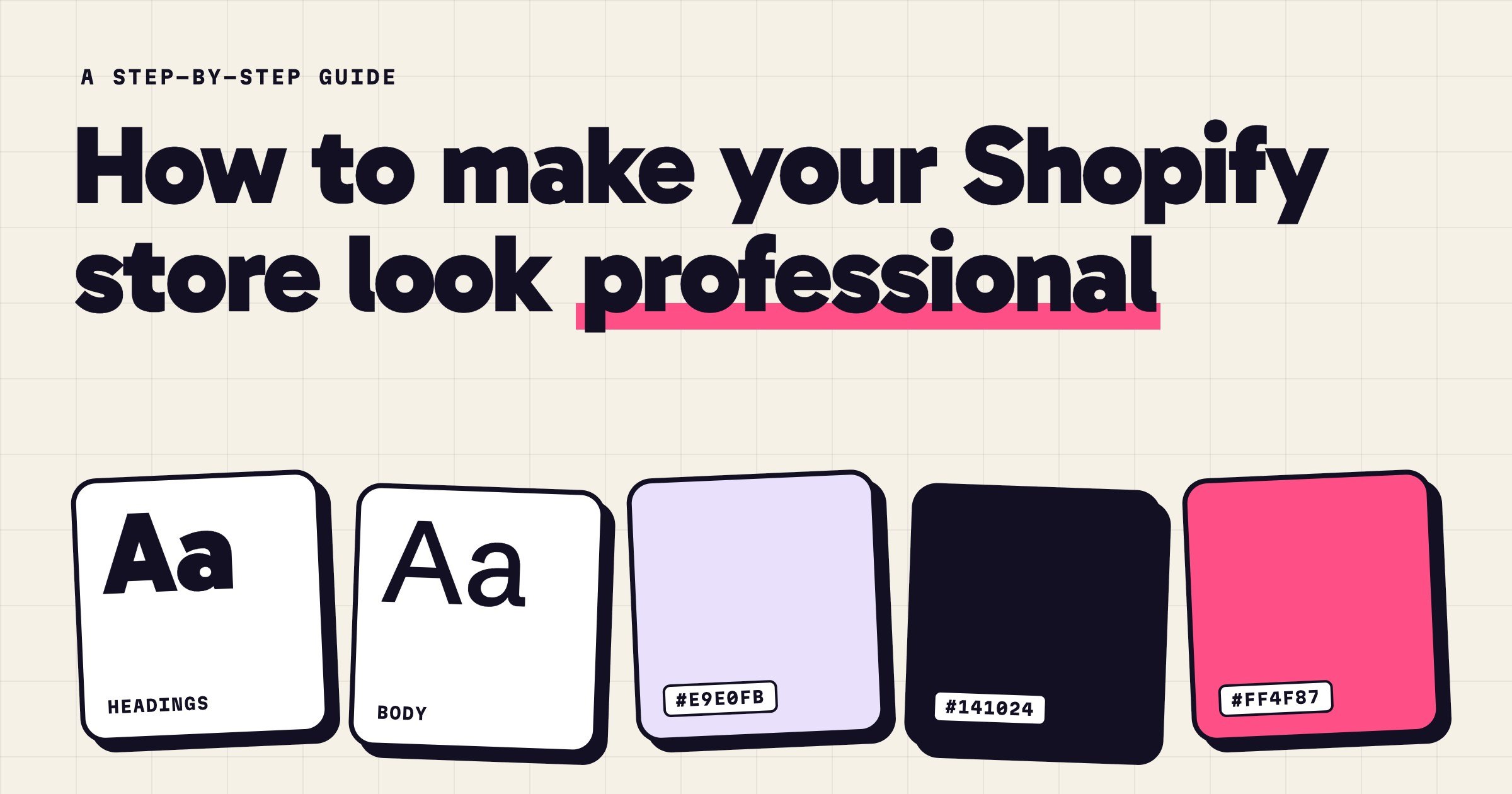
How to make your Shopify store look professional
What makes a Shopify store look professional, and how to fix yours: one design direction, two fonts, one accent colour, matching photos, no loose ends.
Read the guide →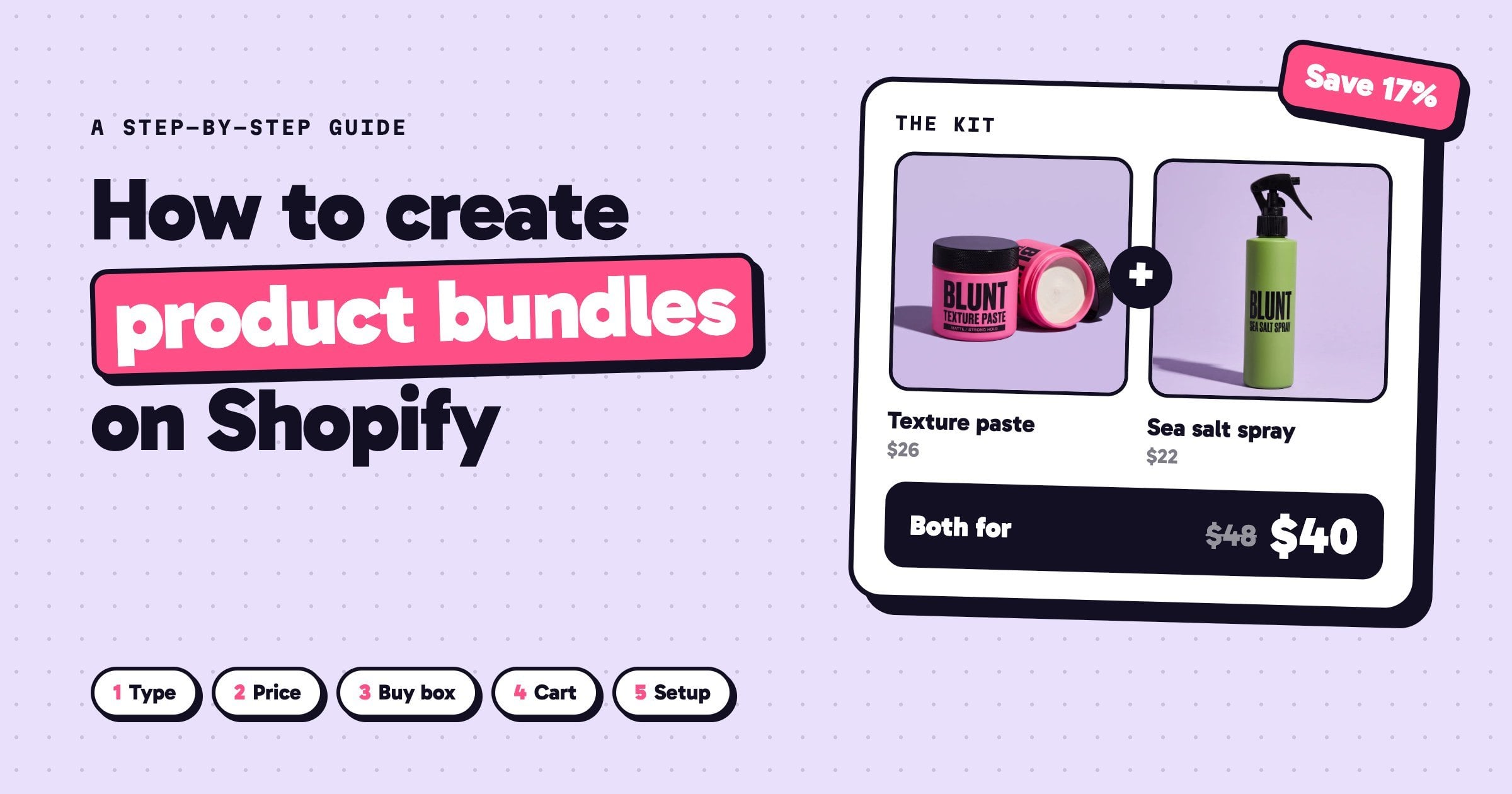
· 7 min read
How to create product bundles on Shopify (and price them so you still make money)
How to create product bundles on Shopify: pick the right type, price it so you keep your margin, show it where shoppers decide, and set it up step by step.
Read the guide →
· 6 min read
How to build a Shopify store with AI, step by step
Build a Shopify store with AI, step by step: write a prompt that works, pick a design direction, add bundles and upsells, then launch and read the funnel.
Read the guide →