How to build a Shopify store with AI, step by step
A practical, visual guide to building a Shopify store with AI — the brief, the design style, the product page, bundles and upsells, trust and launch.
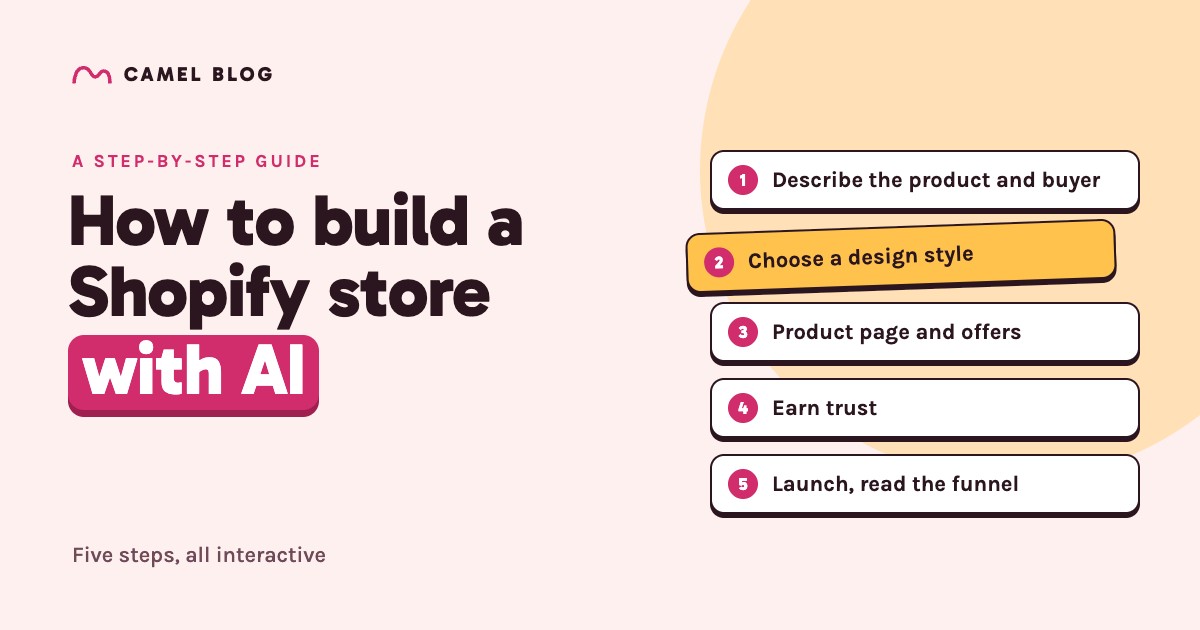
AI can now write your product copy, generate your imagery and lay out your pages in minutes. What it can't do is decide who you're selling to, what your store should feel like, whether your offer makes money, or whether a shopper will trust you with their card. Those calls are still yours — and they're what separate a store that sells from a store that merely exists.
This guide walks through the whole build in eight steps. Everything is interactive, and we'll follow one example the whole way: a steel water bottle, sold to nurses.
Step 1: Write a one-sentence brief
Every good store starts with one sentence: who it's for, what problem they have, and what changes when they buy. It's the single biggest lever on everything AI generates, because an AI given "a water bottle" writes for nobody — and an AI given "a water bottle for nurses on twelve-hour shifts" writes for someone.
Fill in the blanks. They're yours to change.
For who , that keeps .
Tap any underlined part and type your own.
The headline starters are deliberately rough — prompts, not finished copy. The brief is the thing to keep: paste it at the top of every prompt and every generated page pulls in the same direction.
Step 2: Decide the store's shape
Before any pages, pick a shape. A one-product store is a single, long argument for one thing. A catalogue is a shop people browse. They need different pages, and mixing them is how stores end up with an empty "Shop all" page for one bottle.
Not sure? Start with one product. It's faster to build, easier to judge, and it can grow into a catalogue once something sells.
Step 3: Direct the AI to a design style
AI has seen more design than any designer alive — magazine layouts, Swiss minimalism, toy-shop brights, brutalist zines. That's the problem. Ask it for "a nice store" and it averages all of it into something beige and forgettable.
It needs direction, and the most useful direction comes down to two questions:
- Loud or quiet? Big heavy type and hard edges — or light type, space and restraint?
- Colourful or restrained? Saturated colour everywhere — or one accent on neutrals?
Drag the dot. The store on the right re-dresses in whichever of these eight styles is closest, with its real fonts, colours and shapes — and gives you the words to direct an AI with.
Notice what changes between them: not just the colours, but the weight of the type, the corners, the borders, the shadows — even the button's personality. That's what a design style is, and it's why "make it blue" is such weak direction.
Two rules whichever you pick. Apply it everywhere — shoppers read consistency as trustworthiness, and a checkout widget in a different font reads as an ad. And check your contrast: button text needs a ratio of at least 4.5:1 against the button to meet the WCAG AA guideline. Bright orange with white text looks fine and fails.
Step 4: Build the product page first
It's tempting to start with the homepage. Start with the product page instead: it's where the sale is decided, and every other page exists to get people there.
A product page that sells has a predictable anatomy. Here's ours — tap the numbers.
AI is good at first drafts of every block. You check every fact — AI will cheerfully invent a capacity, a material or a warranty. (Step 7 turns that into a game.)
The six photos every product page needs
Whether you shoot them, get them from your supplier or generate them with AI from photos of your real product, this is the set. Each frame answers one question.
If you use AI imagery, generate it from photos of the product you'll actually ship. A shopper who receives something that doesn't match the pictures won't come back — and will often ask for a refund.
Step 5: Set up the offers — bundles, free shipping and upsells
Once a shopper has decided to buy, the easiest money in ecommerce is helping them buy a little more. Three offers do most of the work:
- A bundle or quantity break — "2 for $40.80, save 15%". The same thing they already chose, so the decision is easy.
- A free-shipping threshold — just above the price of one unit, so a second unit ships free. It turns shipping, a reason to leave, into a reason to add.
- One relevant upsell in the cart — a spare lid, a sleeve. One, not a catalogue.
The trap is discounting away your margin. The numbers start with our bottle — change them to yours and drive the cart:
What you keep per order
Free shipping kicks in at — a round number above one bottle and within reach of a 2-pack. A starting point, not a guarantee: payment fees, returns and ad spend aren't counted.
Two rules make offers work rather than annoy. Show each offer where the decision happens — the bundle in the buy box, the free-shipping progress in the cart. And make every offer look like part of the store: an upsell widget in another font and colour reads as an ad, and shoppers hesitate.
Step 6: Earn trust before you ask for money
A new store has no reputation, so it has to earn trust on the page. Costs come first: in Baymard Institute's checkout research, the most common reason shoppers give for abandoning a checkout is "extra costs too high (shipping, tax, fees)" — 40% of them.
Here's a product page as a sceptical shopper first sees it. Switch on what a trustworthy store shows, and watch their confidence:
The gauge is an illustration, not a measurement — but the order isn't arbitrary. Costs and delivery come first because they're what most often sends shoppers away at the last step.
Step 7: Let AI draft, then check every claim
Used well, AI turns a week of writing into an afternoon. Used carelessly, it publishes confident nonsense under your name — and the confident nonsense is always the specific, persuasive bit.
Here's a product description of the kind AI writes in seconds. Tap every claim you'd need to verify before publishing.
Meet the Longshift — the last bottle you'll ever buy. Its double-wall steel keeps drinks , it's and , and it's . Every bottle comes with a , , and is already . Grab yours before your next shift.
All seven. Every one of them sounds great — and any one could be false.
The rule of thumb: let AI draft the voice, and never let it draft a fact. Headlines, benefits, tone and structure — let it go wild. Numbers, materials, certifications, guarantees, delivery times and anything about other customers come from you.
Step 8: Launch, then read the funnel
Before you send traffic, place one test order yourself — product page, cart, checkout, confirmation email — so a customer isn't the first to find a broken step. Then send some traffic and look at where people leave. Put in your numbers from Shopify's analytics:
Illustrative starting numbers. Band widths are compressed so the small stages stay readable — the percentages are exact. There's no universal "good" rate — watch your own trend.
Fix the leakiest stage, change one thing, and measure again. And because an AI-built store takes minutes rather than a week, you can also test a completely different angle — a new buyer, a new design style — as a fresh store, instead of polishing one forever.
Or: let one tool do the whole list
If you've read this far, you've noticed that's a lot of work: a brief, a planned set of pages, a design direction, a product page with nine parts and six photos done right, offers priced for margin, a trust-building pass, a fact check and a launch. By hand, with a theme and four or five apps, it's a week or more.
Funny thing. That list is, almost line for line, what Camel does.
About six questions, starting with who is buying. Every page is written for that person.
A single hero product or a catalogue with collections — with the pages each one needs.
The eight styles on the map above are Camel's own. Pick one, or switch the whole store in one move.
Composed from more than 350 section templates, with imagery generated from your own product photos.
Bundles (real Shopify bundles), quantity breaks, a free-shipping bar, a gift ladder, subscribe-and-save and cross-sells — built in, not bolted on.
Reassurance copy, FAQs and supporting pages, in one consistent design across the store.
Edit any claim by clicking on it — the facts stay yours.
Publish to your Shopify store as native theme sections you own and can edit in Shopify.
Paste one product link, answer the questions, and review a finished store — then spend your time on the parts that were always yours: the product, the numbers and the checking. Camel is in pre-launch; join the waitlist and you'll get an invite on launch day, with a store built from a product of your choice.
Frequently asked questions
Can AI build a whole Shopify store?
Yes — copy, imagery, page layouts and theme sections can all be generated from one product. What still needs a person is judgement: who the store is for, what it should feel like, whether the offers make money and whether every claim is true.
What's the first step to building a Shopify store with AI?
Write a one-sentence brief: who the buyer is, what problem they have and what changes when they buy. Every AI tool produces better output from a specific buyer than from a product name alone.
How do I tell AI what design style I want?
Give it direction on two axes — how loud (heavy type and hard edges, or light type and space) and how colourful (saturated, or one accent on neutrals) — then name the details: fonts, corners, borders, shadows. "Make it modern" is too vague; the style map above gives you the words.
Should I build the homepage or the product page first?
The product page. It's where the buying decision happens, and on a single-product store the homepage is essentially a longer version of it.
What free-shipping threshold should I set?
A round number just above the price of one unit, so a second unit or a small add-on qualifies — then check with the offer calculator that a free-shipping order still leaves you a profit.
How much does it cost to build a Shopify store with AI?
Your Shopify plan, the AI tool you use, and a domain. Add apps only if your builder doesn't already include bundles, upsells and reviews. Camel's own pricing isn't confirmed yet.
Can I turn a product link into a Shopify store?
Yes. Tools like Camel read a product page URL and generate the full store from it — which you then review, edit and publish to your own Shopify account.